How Email Reminder for Gmail™ works

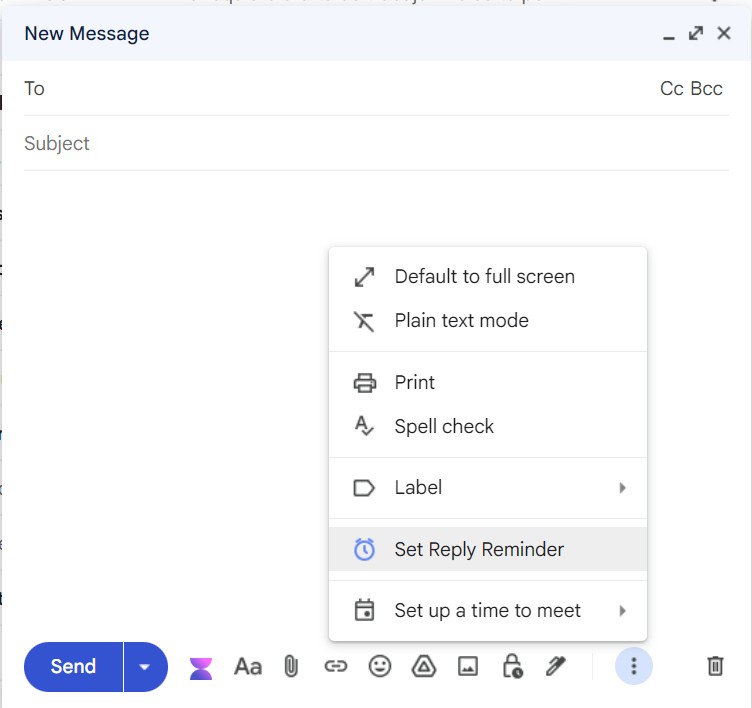
1. Write your email as usual

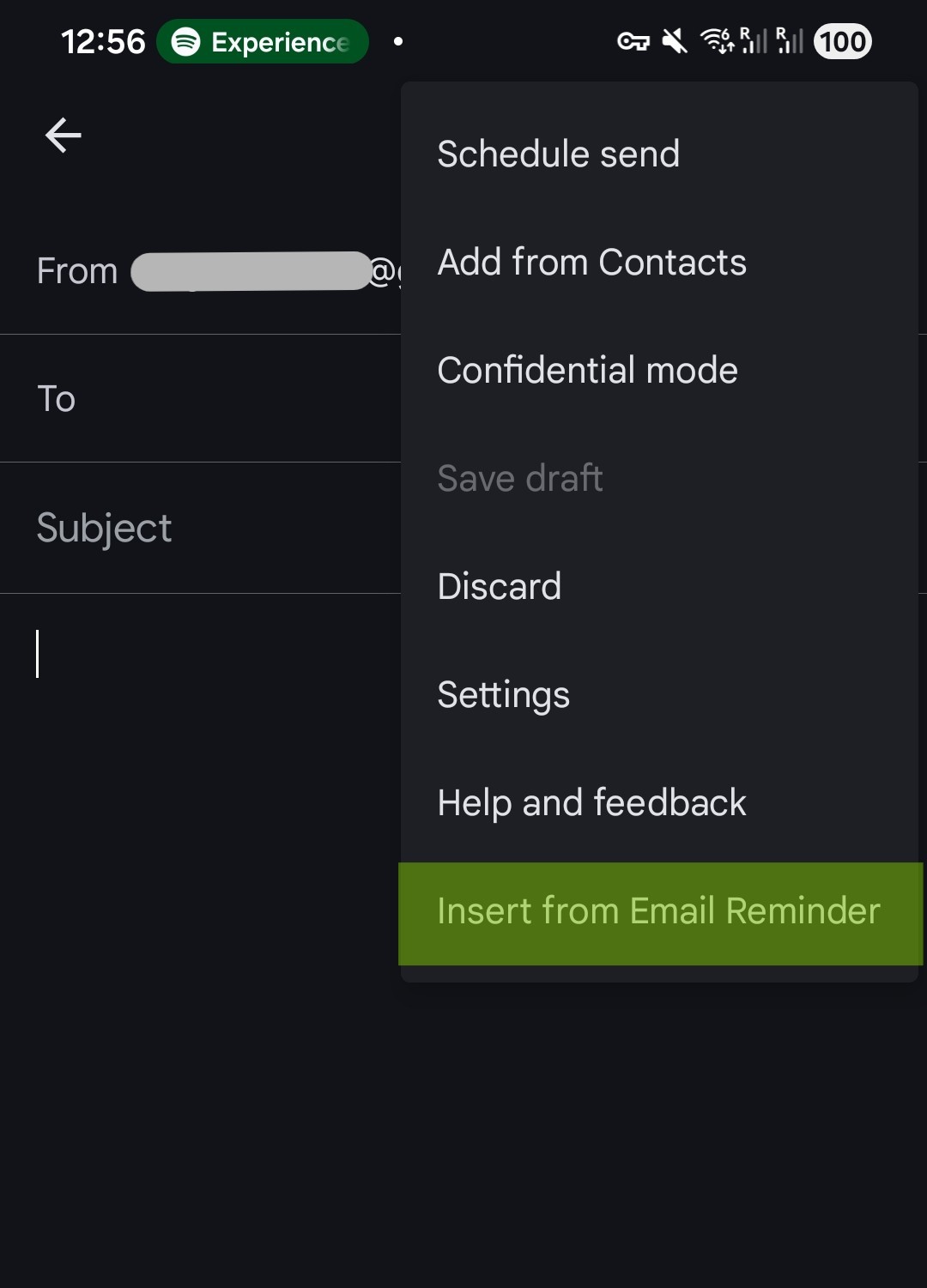
Compose in Gmail™ on desktop or mobile just like you always do.

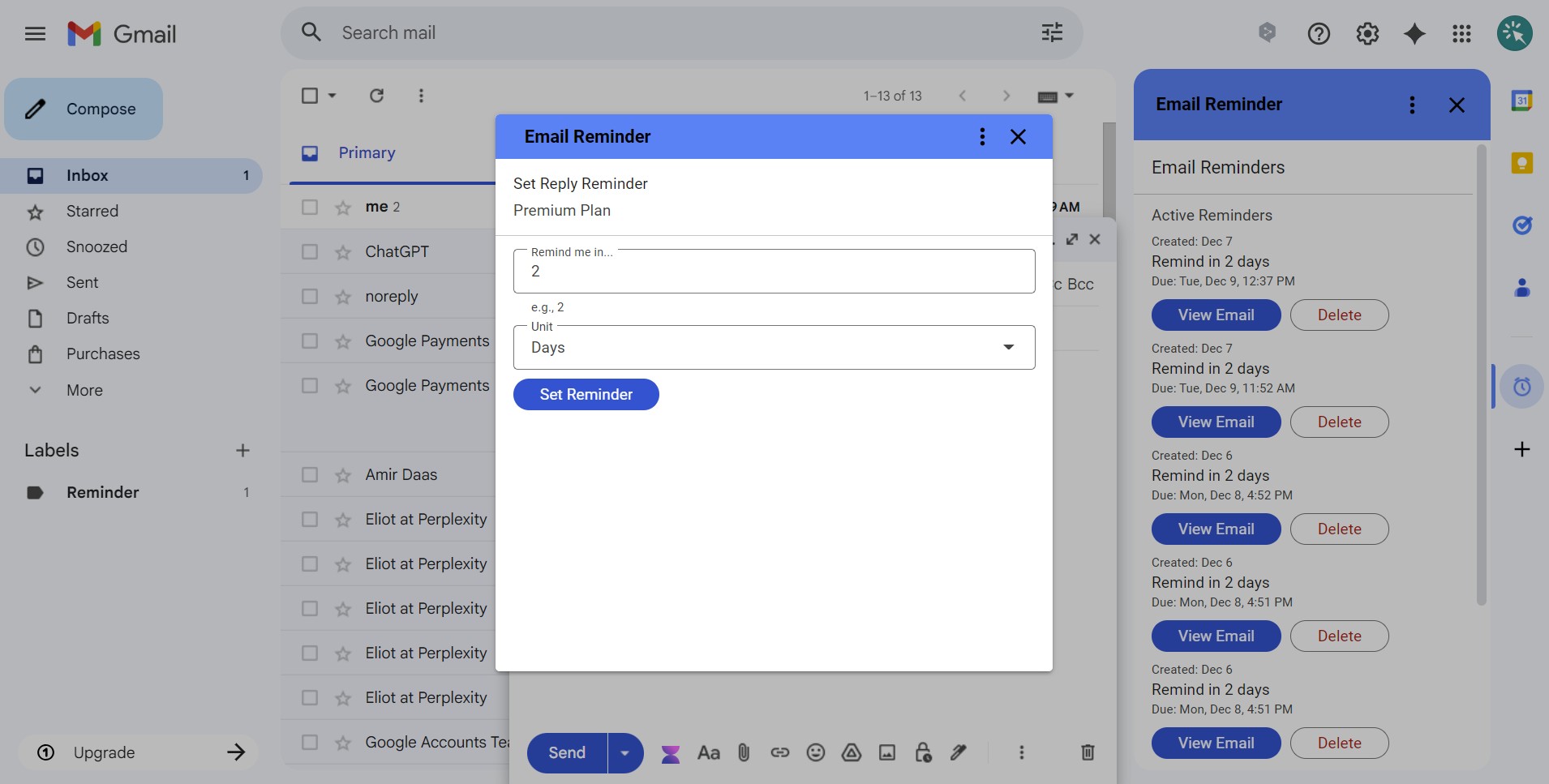
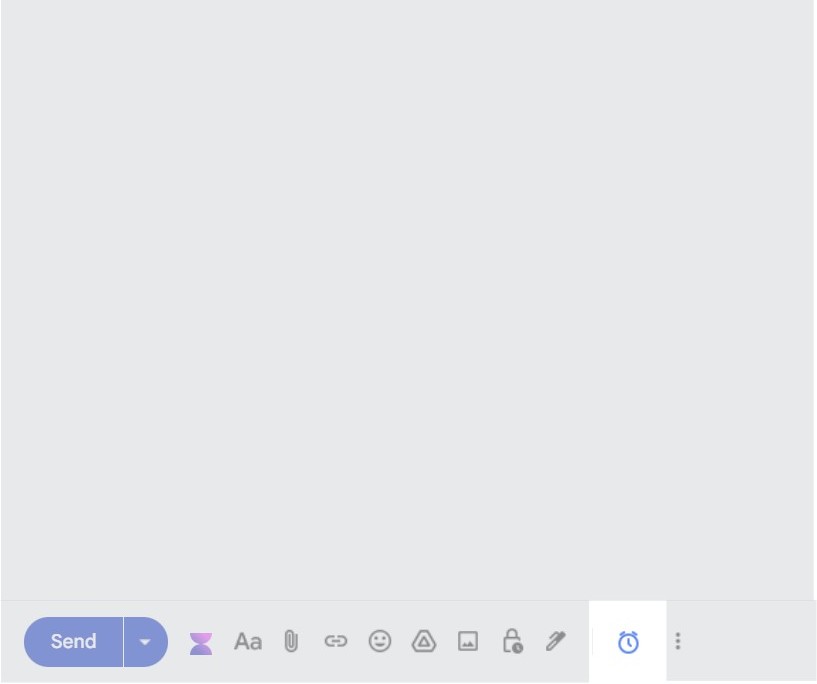
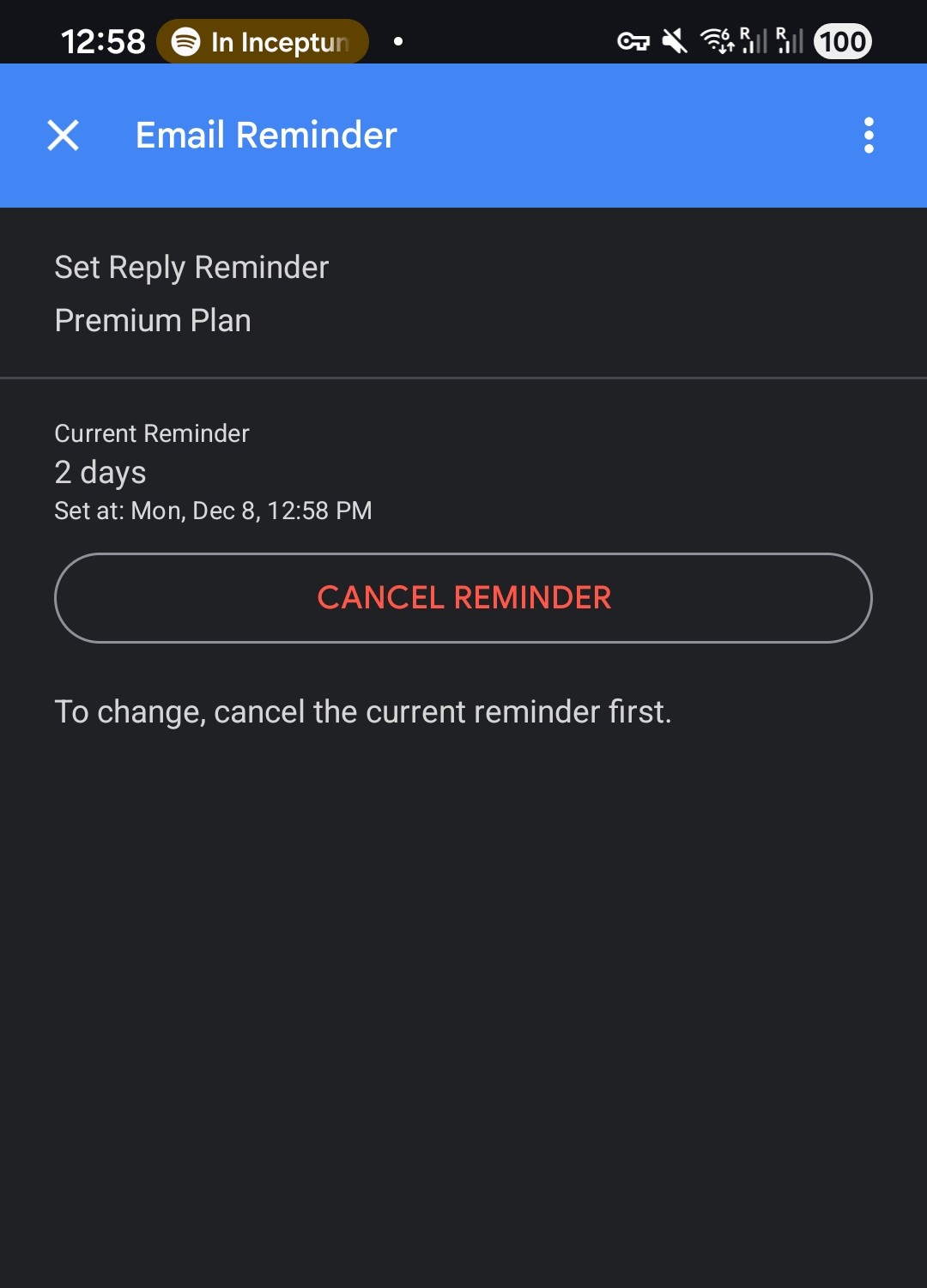
2. Set a reply reminder in one click

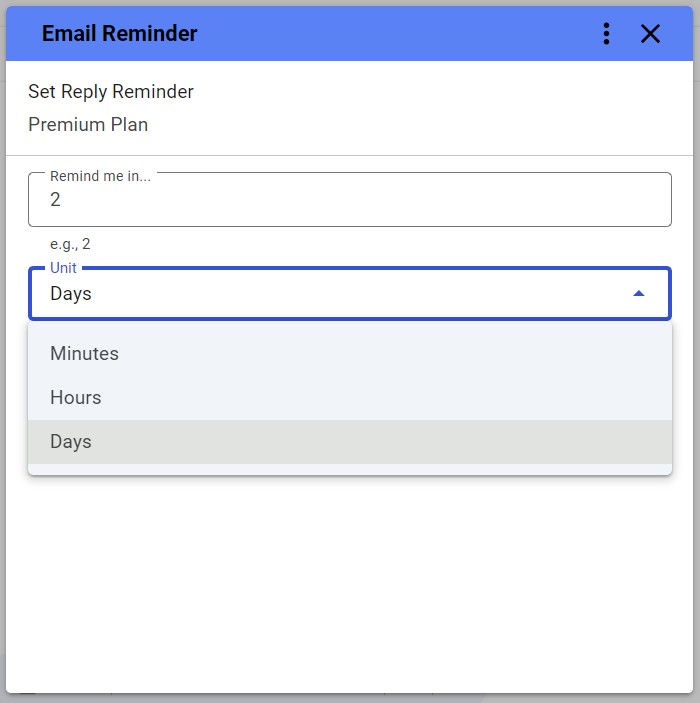
Pick when you want to be reminded - e.g., in 4 hours, tomorrow, or in 2 days.

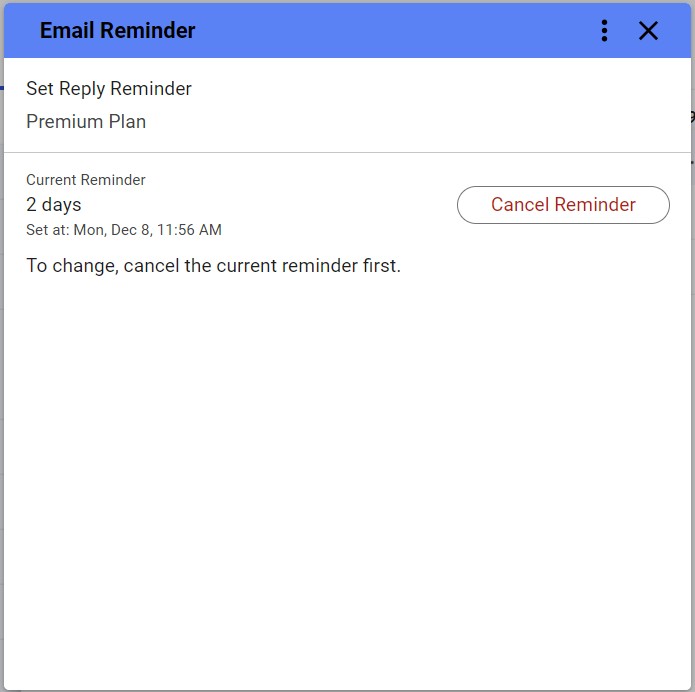
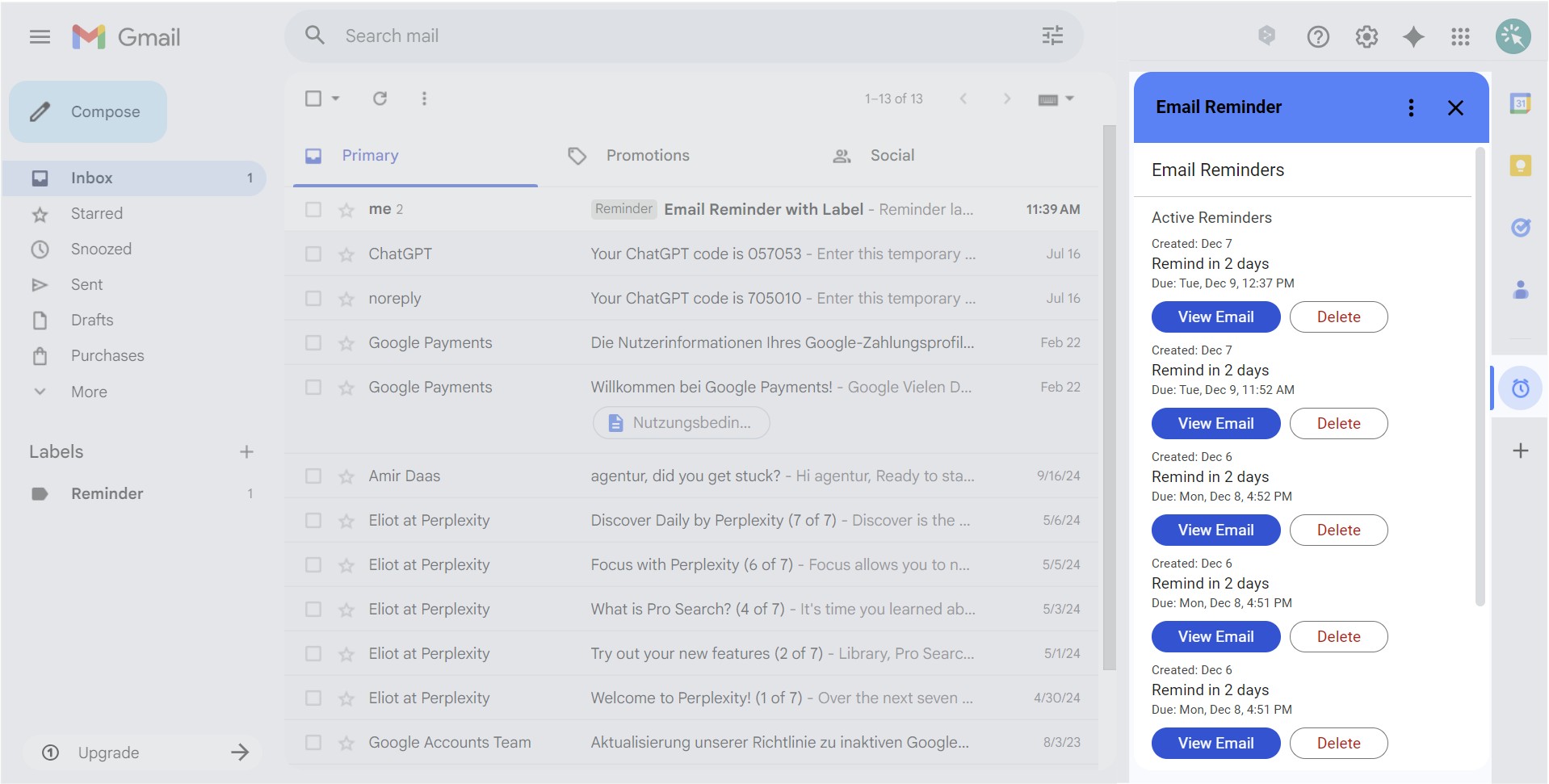
3. We bring it back if nobody replies

If there’s no reply by your chosen time, your email returns to your inbox with a “Reminder” label.
If someone replies earlier, the reminder is automatically removed.

You always know exactly what to follow up on — without manual tracking, flags, or spreadsheets.

✅ Works on Gmail™ desktop & mobile · ✅ Free plan (5 active reminders) · ✅ No credit card required

FAQ

We use cookies to make your experience better! More in our privacy policy.